You use the same card at the same store, but one purchase goes through Apple Pay and another through PayPal. Should they earn the same rewards? Digital wallet rewards often follow your card’s usual rules, but the wallet logo alone cannot answer the question.
Follow the payment all the way to the card
If PayPal funds a purchase from your bank account or wallet balance, your credit card has not made that purchase. Selecting a card in one wallet also does not guarantee it will remain the default in another app, device, or checkout session. Review the funding source before confirming payment.
Chase describes PayPal as a way to use a linked Chase card and earn its rewards. Its category guidance adds the qualification that third-party payment technology must provide the data needed to recognize a bonus category. Those statements fit together: card-funded purchases can earn rewards while a specific bonus can still require additional conditions. 1 2
Apple Pay and Google Pay do not create a new rewards card
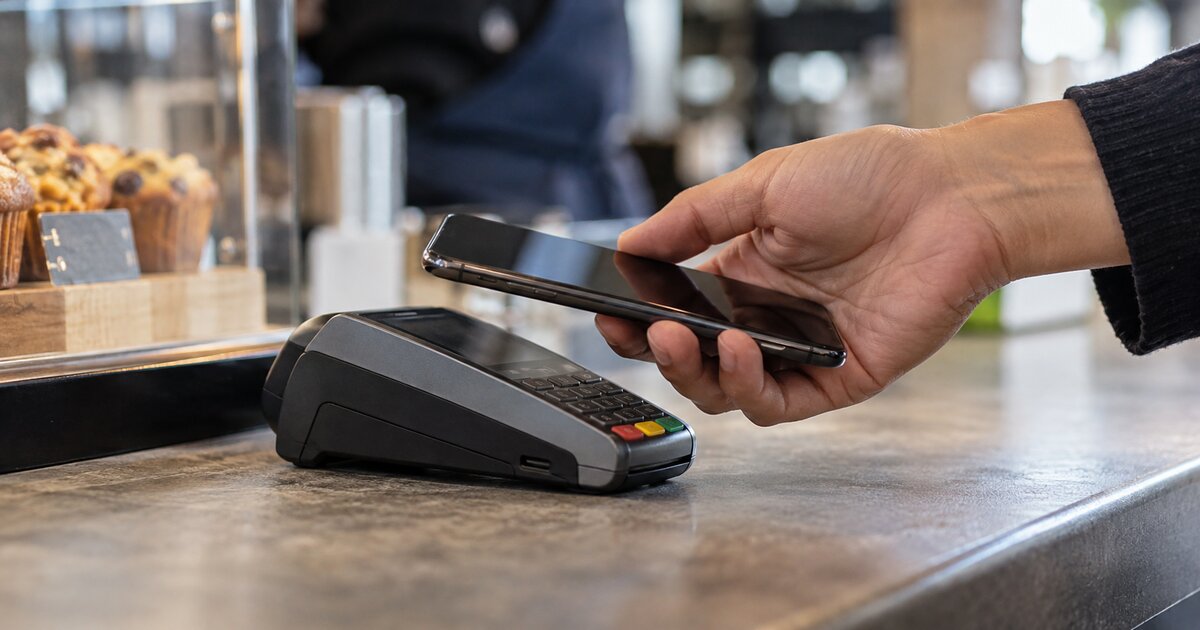
When you select a credit card in Apple Pay or Google Pay, you are choosing that card as the payment source. The merchant purchase is then evaluated under its rewards agreement. Paying with a phone does not, by itself, turn a 1% card into a 3% card or add an issuer’s rotating-category offer.
The useful question is whether the posted transaction preserves the information the issuer needs for the bonus. Chase’s category FAQ explicitly addresses mobile and digital wallets and warns that a category bonus can fail when the payment technology is not set up to process the purchase in that category. This is a conditional rule, not a declaration that every wallet purchase loses its bonus. 2
A grocery store can qualify when the issuer identifies it as an eligible grocery merchant. A grocery purchase at an excluded superstore may still fail the bonus even if the wallet passes the merchant information perfectly. Our grocery merchant rewards guide explains why the store type matters.
Digital wallet rewards: base rates, bonuses, and offers
| Layer | What controls it | What to verify |
|---|---|---|
| Ordinary card rewards | An eligible purchase charged to the selected card | The purchase posted to the intended credit-card account. |
| Merchant category bonus | The issuer’s category definitions and transaction data | The merchant qualified, and exclusions or processing rules did not block the bonus. |
| Wallet or rotating promotion | The specific offer’s terms | The required wallet, funding card, activation, dates, and cap all matched. |
| Merchant benefit or statement-credit offer | That benefit’s enrollment and payment rules | The offer permits the checkout method you used. |
A promotion mentioning PayPal is distinct from an ordinary card purchase made through PayPal. It may require activation, apply only during named dates, and have a spending cap. Conversely, a merchant offer may require direct payment with the card even when ordinary wallet-funded purchases continue earning rewards. Read the offer attached to your account instead of generalizing from a previous promotion.
“The card earned rewards” and “the transaction earned the advertised bonus” are separate checks. A statement credit or partner benefit can have a different payment-method rule again.
A $100 purchase shows what can change
Suppose your hypothetical card earns 3% on qualifying dining and 1% on other eligible purchases. You spend $100 at a restaurant using a wallet, with that card selected as the funding source. If the transaction qualifies as dining, the reward is $3. If it posts as an eligible purchase but the dining bonus does not apply, the reward is $1.
The $2 difference is the missing category bonus. It does not mean the wallet charged a $2 fee or the purchase disappeared. If the purchase was instead paid from your bank account, the credit card would earn $0 because it was not used. This example assumes no cap, return, special promotion, or additional payment charge.
Now suppose you choose to spend existing reward points at checkout. That is a redemption decision, not a new earning rate. Check the displayed dollar value of those points and compare it with available cash redemption before accepting. A convenient checkout option need not provide the same value as cash.
Do not treat transfers and wallet loads like retail shopping
Citi Double Cash’s published rewards terms, for example, exclude several cash-like transactions, person-to-person payments, and balance loads from eligible reward purchases. That does not establish the treatment on every issuer’s card, but it shows why “paid through an app” is not a sufficient description. 3
How to check a wallet purchase that earned less than expected
- Save the checkout receipt and confirm the last digits of the funding card in the wallet’s transaction record.
- Wait for the purchase to post; a pending authorization is not the final rewards record.
- Compare the posted merchant, amount, and reward detail with the applicable category and offer terms.
- Check activation, excluded merchants, the remaining cap, and whether the purchase fell inside the offer dates.
- If the transaction appears eligible, ask the issuer which rule or transaction information caused the bonus to be omitted. Provide the receipt and posted transaction details.
Ask about the missing reward, rather than disputing the purchase as unauthorized when you actually made it. If a separate merchant credit has not appeared, track that offer’s stated fulfillment schedule too; ordinary rewards and promotional credits can post on different schedules.
Choose the checkout method using the actual rules
For ordinary purchases, start by selecting the right funding card. For a category bonus, verify the merchant and any processing restrictions. For a wallet-specific promotion, follow that exact route. For a direct-payment merchant benefit, use the method its terms require.
A small planned purchase can help you observe how a merchant and payment route post on your own account. It is evidence about that transaction, not a promise that every future purchase or promotion will work identically. Recheck after a card change, merchant change, or new offer.